Flexible queries
Search with one keyword, multiple terms, or logical matching when you need to narrow or broaden results.
iPhone and iPad
Quick Search File for iOS builds a local filename index for folders you authorize through the system Files picker. Search documents by keyword, extension, and logical mode without uploading your index to a server.

Available on the App Store for iPhone and iPad.

Core features
The iOS app follows a predictable workflow: add a folder, build or refresh the index, search by filename or extension, and use clear paths to identify the right result. Includes 3 free searches; continued search access requires a subscription.
Search with one keyword, multiple terms, or logical matching when you need to narrow or broaden results.
Find files by format, including pdf, jpg, docx, and xlsx.
See exact filenames and folder paths before deciding which file to open.
Works with iCloud Drive and Files app locations that allow third-party folder access after you authorize them.
Filename metadata and search settings stay on device. The app does not upload your index or search history.
Includes 3 free searches. Continued search access and automatic index updates require an active subscription.
iOS screenshots
Use extension search, combined filename terms, or a filename term plus an extension filter to find the right document on mobile.
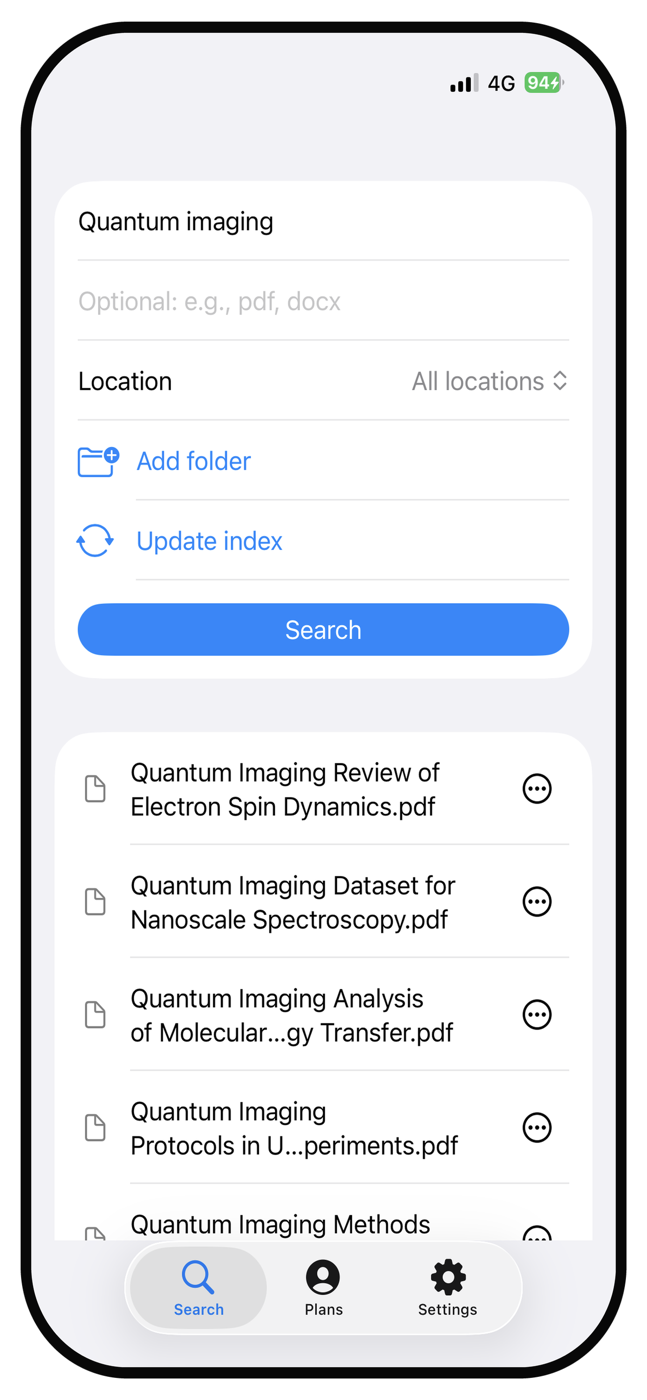
pdf.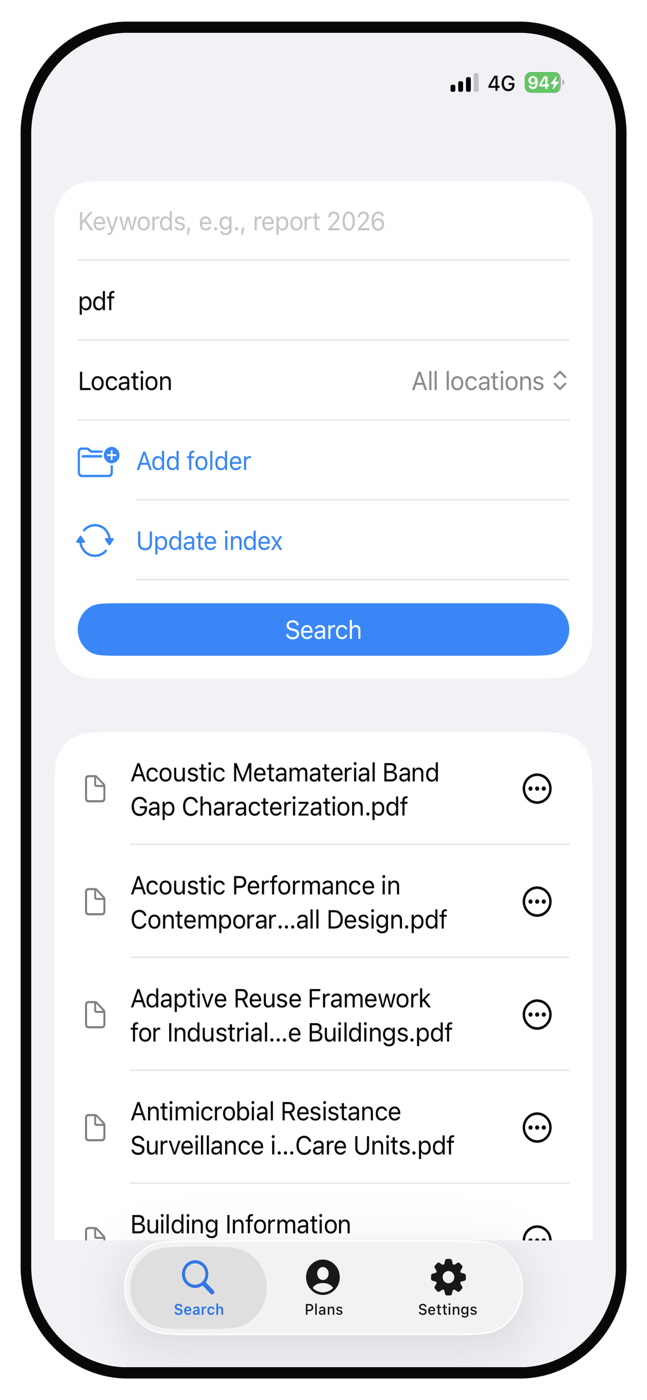
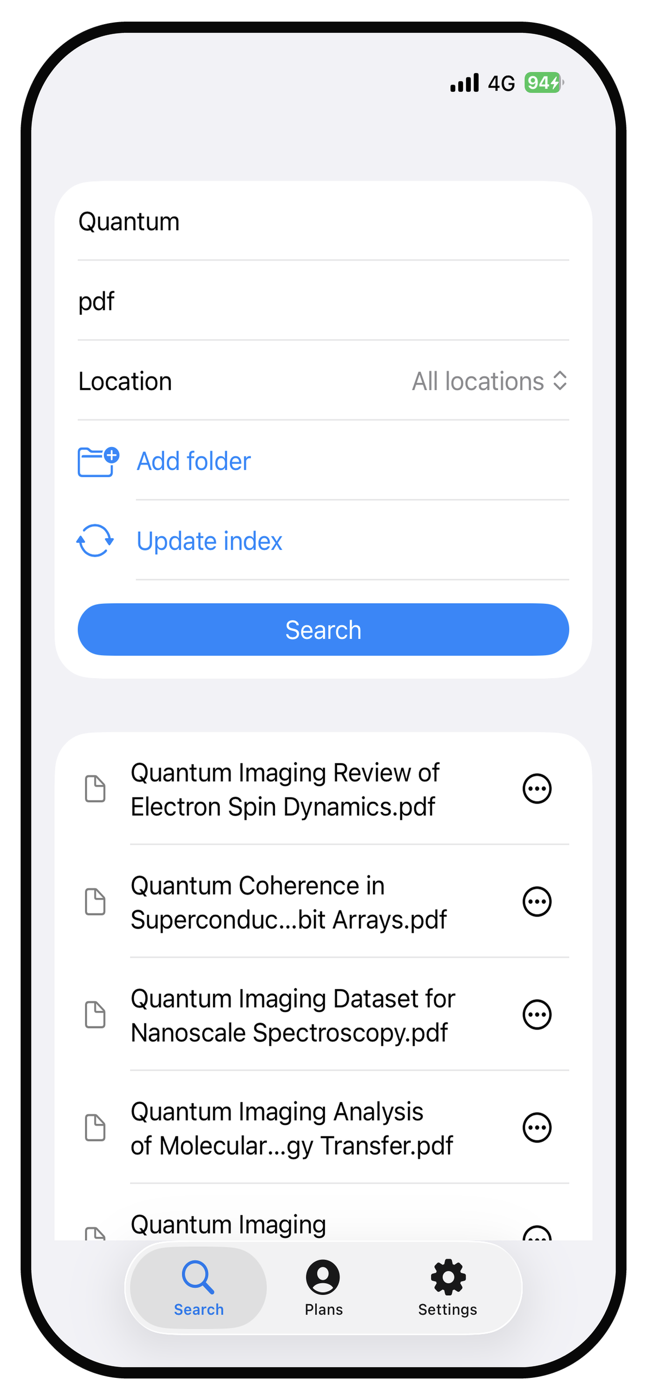
pdf.Mobile performance
In a 100,000-file local stress test, the iOS app stayed in the millisecond range while searching combined filename terms with default AND matching and an extension filter.
Average iOS search time across three 100,000-file test runs
Mobile-first privacy
iOS does not allow apps to silently scan the entire Files app. Quick Search File follows that model: you choose folders, and the app indexes only those authorized locations.
Filename metadata, extensions, relative paths, and basic file attributes needed for search and result display.
No server upload, no sale of data, no collection of file contents, and no background access to folders you did not authorize.